How to Speed Up a WordPress Website: 12 Proven Optimization Tips
A slow WordPress website can cost you more than just a few seconds of loading time.
Slow pages can frustrate visitors, increase abandonment, reduce conversions, and make it harder for businesses to deliver a strong online experience.
For businesses, eCommerce stores, and digital agencies, WordPress speed optimization should be an ongoing priority.
The good news is that many WordPress performance problems can be fixed with the right optimization strategy.
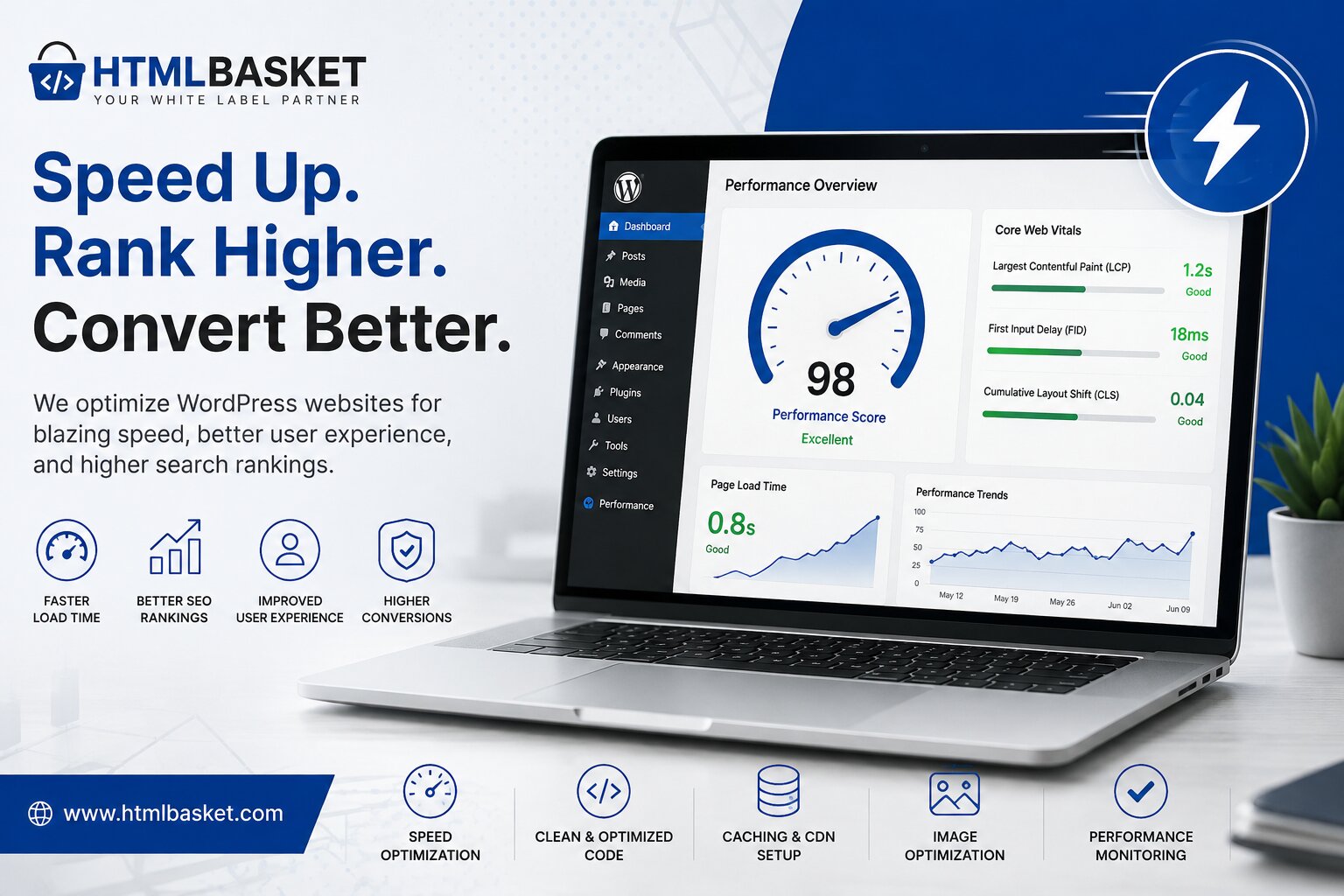
In this guide, HTMLBasket explains 12 practical ways to speed up a WordPress website, improve performance, and create a faster experience across desktop and mobile devices.
Why WordPress Website Speed Matters
Website speed affects several important areas of your online business.
A faster WordPress website can help provide:
- Better user experience
- Lower abandonment
- Improved mobile browsing
- Better conversion opportunities
- Stronger technical SEO
- Improved Core Web Vitals
- More efficient resource usage
Speed should therefore be treated as both a technical requirement and a business priority.
12 Ways to Speed Up Your WordPress Website
1. Choose Reliable WordPress Hosting
Your hosting environment provides the foundation for your website’s performance.
Even a highly optimized WordPress website can perform poorly when hosted on an overloaded or poorly configured server.
Look for hosting that provides:
- Fast server response times
- SSD or NVMe storage
- Reliable uptime
- Server-side caching
- PHP version support
- CDN compatibility
- Automatic backups
If your website remains slow after front-end optimization, your hosting environment may need to be investigated.
2. Optimize Your Images
Large images are one of the most common causes of slow WordPress websites.
Before uploading images, make sure they are properly resized and compressed.
Consider using modern formats such as:
- WebP
- AVIF
Also avoid uploading a 3000px image when your website only displays it at 600px.
Image Optimization Checklist
- Resize images before uploading
- Compress large files
- Use modern formats
- Add descriptive alt text
- Enable lazy loading where appropriate
3. Use a Caching Strategy
Caching allows frequently requested content to be served more efficiently.
A good WordPress caching setup can reduce unnecessary processing and improve page delivery.
Depending on your hosting environment, you may use:
- Page caching
- Browser caching
- Object caching
- Server-side caching
Caching configuration should be tested carefully because aggressive caching can sometimes cause outdated content to appear.
4. Reduce Unnecessary WordPress Plugins
Plugins add functionality, but they can also add scripts, styles, database queries, and other processing requirements.
Instead of focusing only on the number of plugins, evaluate their actual impact.
Review your plugins regularly and remove:
- Unused plugins
- Duplicate functionality
- Abandoned plugins
- Unnecessary tracking tools
- Poorly optimized plugins
Keep the plugins that provide genuine value to your website.
5. Optimize CSS and JavaScript
CSS and JavaScript are essential for modern websites, but unnecessary code can slow down page rendering.
Consider:
- Minifying CSS
- Minifying JavaScript
- Removing unused CSS
- Deferring non-critical JavaScript
- Loading scripts only where required
Avoid loading a large JavaScript library on every page if only one page actually needs it.
6. Use a Content Delivery Network
A Content Delivery Network, or CDN, stores and serves static website assets from locations closer to visitors.
This can be particularly useful when your website serves visitors across different countries.
A CDN can help deliver:
- Images
- CSS
- JavaScript
- Fonts
- Other static assets
For businesses serving international audiences, CDN configuration should be part of a broader WordPress performance strategy.
7. Improve Core Web Vitals
Google’s Core Web Vitals provide important measurements related to loading performance, responsiveness, and visual stability.
Pay attention to:
Largest Contentful Paint (LCP)
Measures how quickly the main content becomes visible.
Interaction to Next Paint (INP)
Measures how responsive a page is to user interactions.
Cumulative Layout Shift (CLS)
Measures unexpected movement of page elements during loading.
Improving these metrics can create a better experience for visitors.
8. Optimize Your WordPress Database
Over time, WordPress databases can accumulate unnecessary information.
Depending on your website, this may include:
- Post revisions
- Spam comments
- Trashed content
- Expired temporary data
- Unused metadata
Database optimization should always be performed carefully, preferably after creating a reliable backup.
9. Use a Lightweight WordPress Theme
Your WordPress theme has a major impact on front-end performance.
Some themes include large libraries and functionality that your website may never use.
Choose themes that prioritize:
- Clean code
- Responsive design
- Performance
- Accessibility
- Minimal dependencies
A lightweight theme combined with optimized content can provide a strong performance foundation.
10. Optimize Fonts
Web fonts can add additional requests and increase page weight.
To improve font performance:
- Limit the number of font families
- Reduce unnecessary font weights
- Consider modern font formats
- Preload critical fonts carefully
- Avoid loading fonts that aren’t used
Typography should look professional without becoming a performance bottleneck.
11. Avoid Excessive Third-Party Scripts
Marketing and analytics tools can be useful, but every third-party script can affect performance.
Common examples include:
- Chat widgets
- Tracking scripts
- Social media widgets
- Advertising scripts
- Heatmap tools
Audit third-party scripts regularly and remove anything your website no longer needs.
12. Monitor Performance Regularly
Website optimization isn’t a one-time task.
Your website can become slower as you add:
- New plugins
- Images
- Tracking tools
- Landing pages
- Marketing integrations
- New functionality
Regular performance testing helps identify problems before they become major issues.
Useful tools include:
- Google PageSpeed Insights
- Lighthouse
- Chrome DevTools
- GTmetrix
- WebPageTest
How to Check Your WordPress Website Speed
Before making changes, establish a baseline.
Run your website through a performance testing tool and record:
- Performance score
- LCP
- INP
- CLS
- Page size
- Number of requests
- Server response time
Then optimize one area at a time and test again.
This approach makes it easier to identify which changes actually improve performance.
WordPress Speed Optimization for Mobile
Don’t optimize only for desktop users.
Mobile visitors often experience different network conditions and hardware limitations.
Make sure your WordPress website has:
- Responsive layouts
- Optimized images
- Efficient JavaScript
- Readable typography
- Touch-friendly buttons
- Fast-loading navigation
- Minimal unnecessary animations
A website that performs well on desktop but struggles on mobile still has a performance problem.
Frequently Asked Questions
How can I speed up my WordPress website?
Start by optimizing images, improving hosting, implementing caching, reducing unnecessary plugins, optimizing CSS and JavaScript, and improving Core Web Vitals.
Why is my WordPress website slow?
Common causes include poor hosting, oversized images, excessive plugins, inefficient themes, third-party scripts, unoptimized databases, and poorly configured caching.
Does WordPress speed affect SEO?
Website performance contributes to the overall page experience and can be especially important when competing with other pages offering similar content.
How often should I test WordPress performance?
Test after major website changes and periodically as part of your maintenance process.
Can HTMLBasket optimize an existing WordPress website?
Yes. HTMLBasket can help businesses and agencies with WordPress development, maintenance, performance improvements, and ongoing technical support.
Why Choose HTMLBasket for WordPress Development?
At HTMLBasket, we help businesses and agencies build, improve, and maintain professional WordPress websites.
Our services include:
- WordPress development
- Custom WordPress development
- WooCommerce development
- WordPress maintenance
- Website performance optimization
- White-label WordPress development
- Landing page development
- Website redesign
- Ongoing development support
For agencies, our white-label development model provides additional development capacity without requiring you to build a larger in-house team.
Final Thoughts
A fast WordPress website isn’t created by one optimization trick.
It requires a combination of good hosting, optimized assets, efficient code, appropriate caching, responsive design, and ongoing maintenance.
Start by identifying your biggest performance bottleneck, make targeted improvements, and measure the results.
For businesses and agencies that don’t have the time or technical resources to manage ongoing WordPress optimization, partnering with an experienced development team can make the process significantly easier.
Need Help Improving Your WordPress Website?
HTMLBasket provides WordPress development, maintenance, performance optimization, and white-label development services for businesses and agencies.
If your website is slow, difficult to maintain, or needs ongoing development support, talk to the HTMLBasket team about your project.
Build faster. Maintain better. Grow with HTMLBasket.